

Saved Schedule Filters
Now you can save your preferred filters in the Schedule and share them in your Workspace


Now you can save your preferred filters in the Schedule and share them in your Workspace

The creation of a project scope statement template should be your top priority before starting any project. Here we offer you crucial tools to avoid scope creep, improper planning, unclear requirements, and other well-known causes of project failure. Creating a scope statement can be seen as a difficult task, as there isn’t a prescribed way to […]

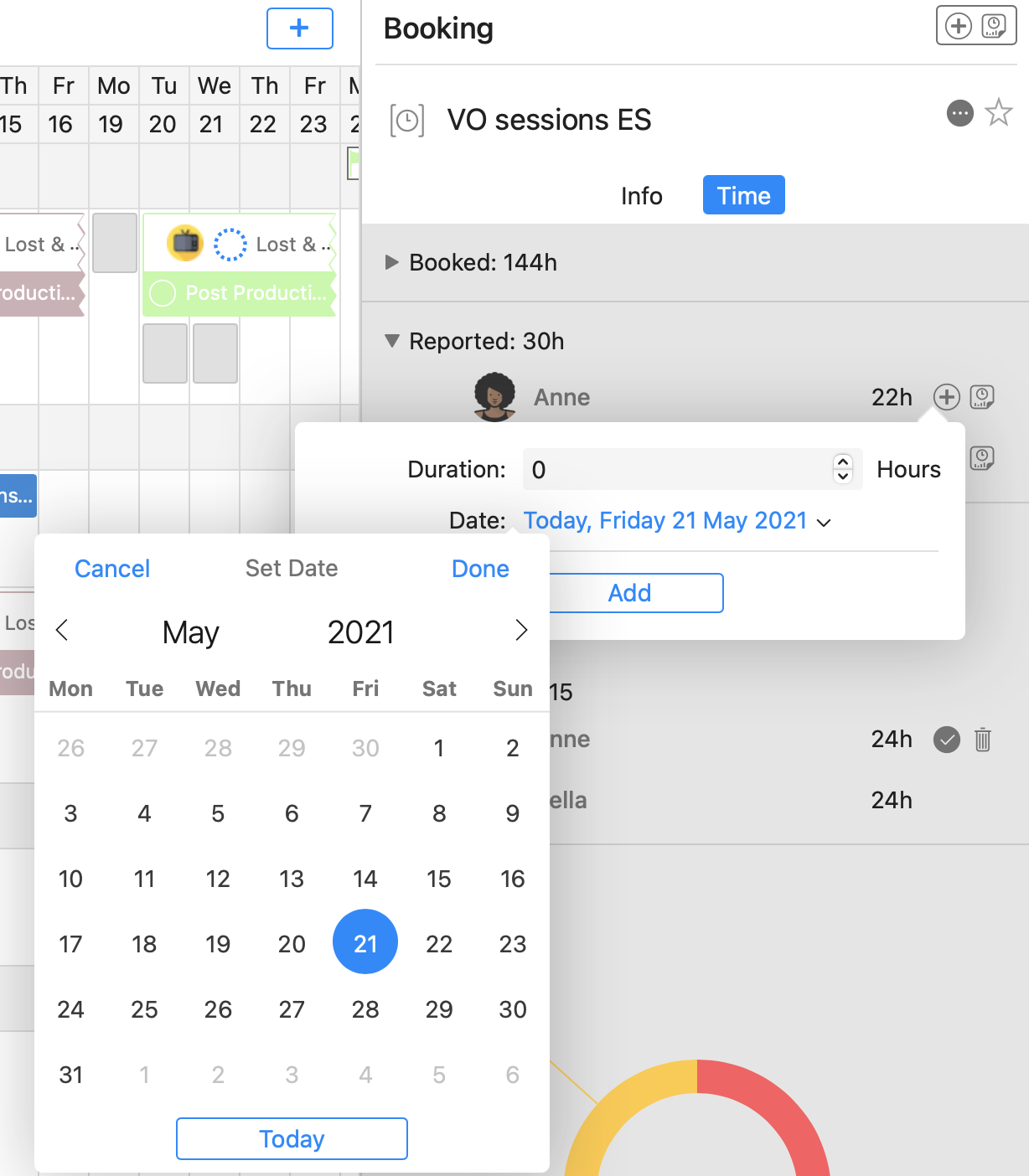
Now you can use Cirkus to report the time spent on your Projects, Tasks and Bookings.
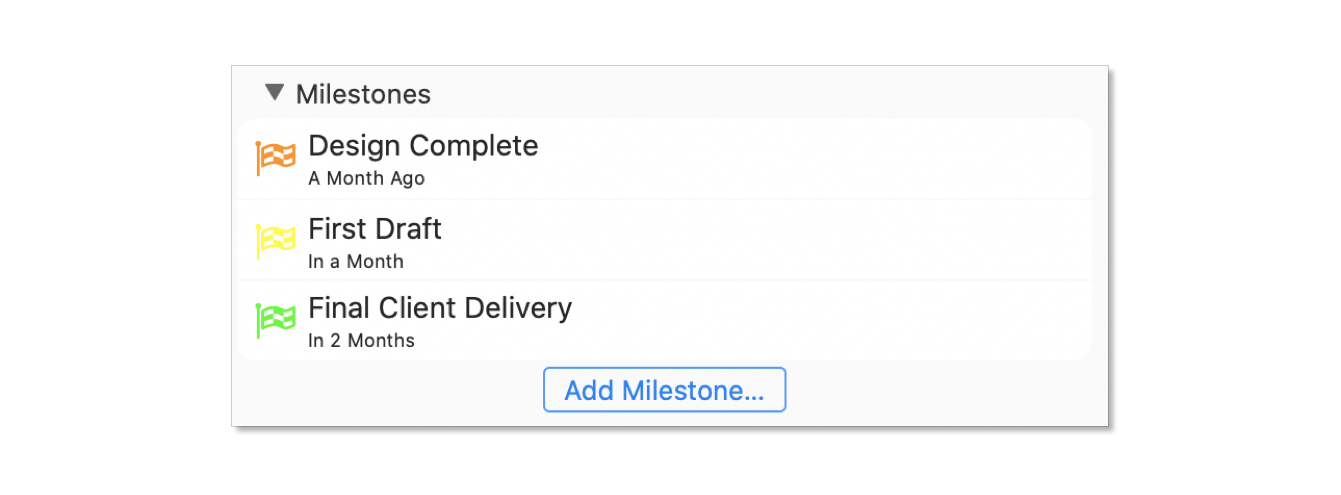
Easily see if things are on track, or if you need to adjust your plans.

Our latest post shows how to configure the default hours for your team, or resources, and make day bookings for only those hours.

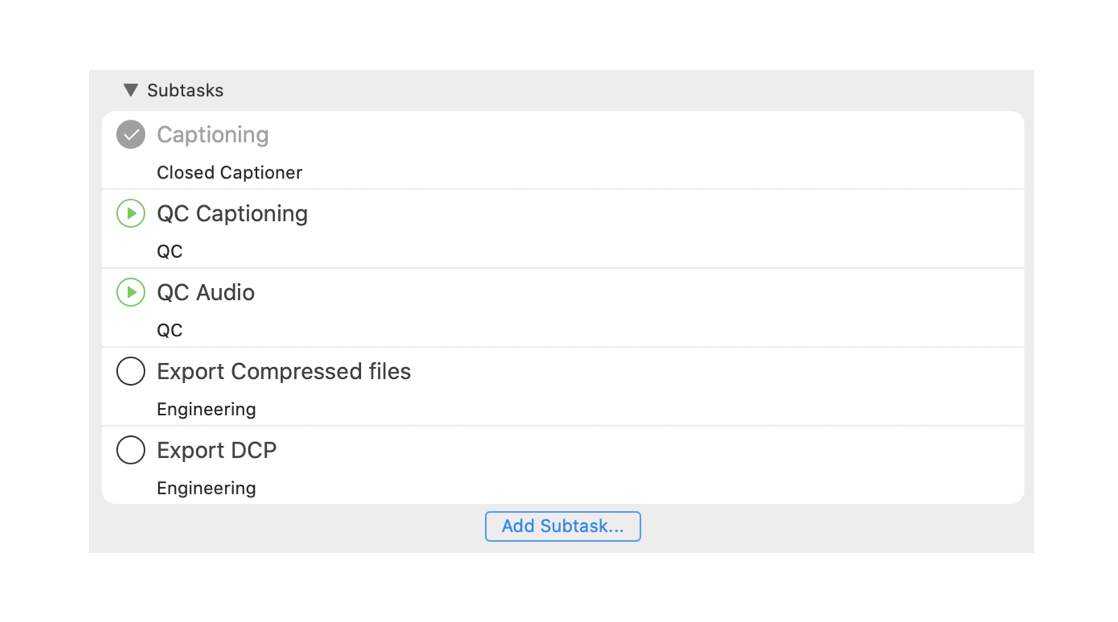
What are Subtasks in Cirkus? You can use Subtasks to split tasks into smaller parts, or to define more detailed goals and assign them to multiple people. Subtasks are full Tasks with their own assignees, dates, comments and files. How to create a Subtask To create a subtask: Working with Subtasks Subtasks in Task Templates […]

See how Cirkus can help with your real estate business, from initial listing to post-closing activities.

If you know when your Tasks will happen you can now pin them directly in your Schedule.
We also added some magic @all mentions for all your task and project collaboration.